#6: Coding Practice #3 -- 11/12/24
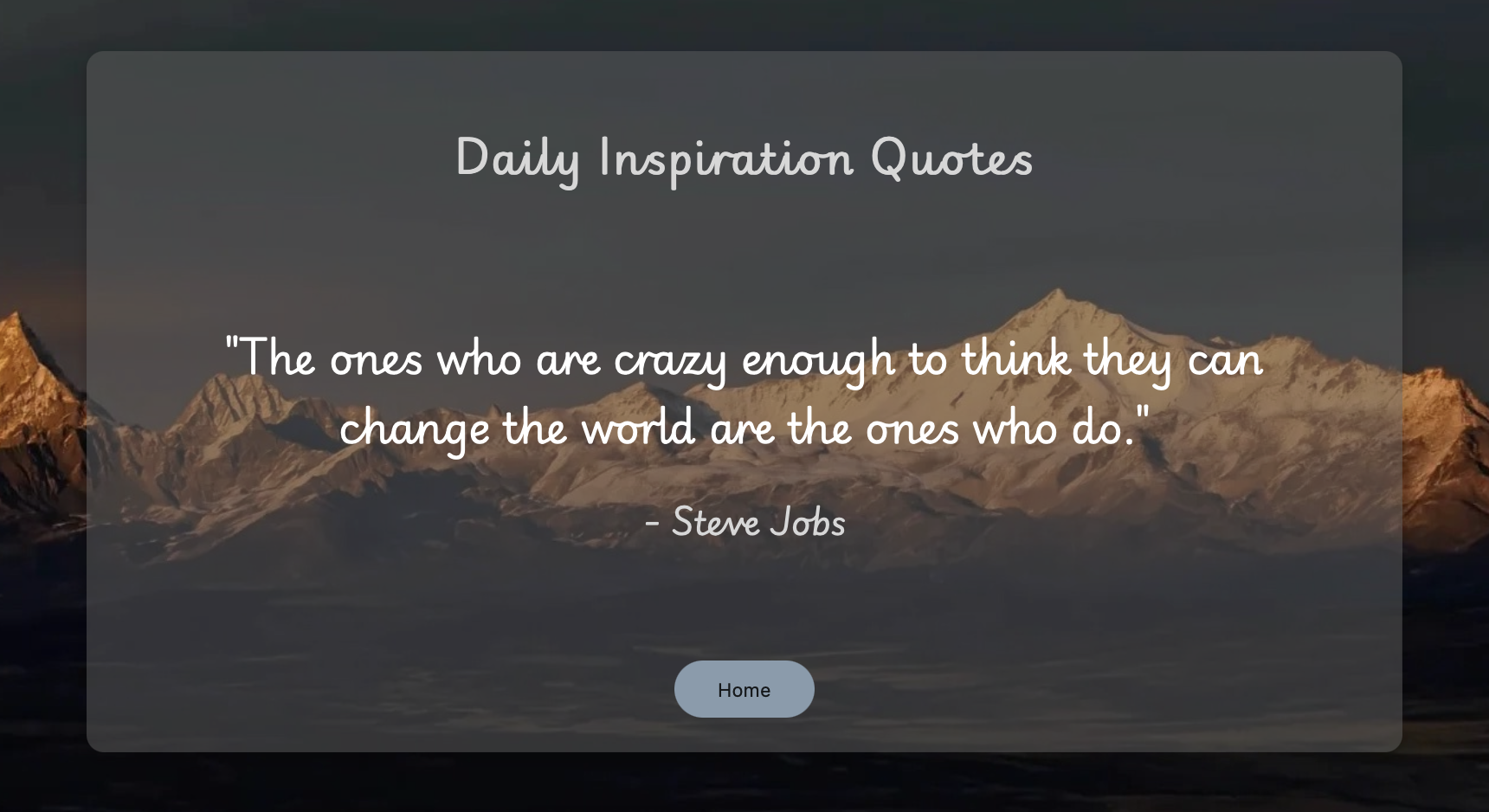
Daily Inspiration Quote For this coding practice I made a daily inspiration quote page. Every night at 11PM the quote will change. I choose to make this webpage is because I have this widget on my phone that does the same thing and I like to read the quote to motivate my day. Requirement: Enable CORS
#5: Recreate -- 10/9/24
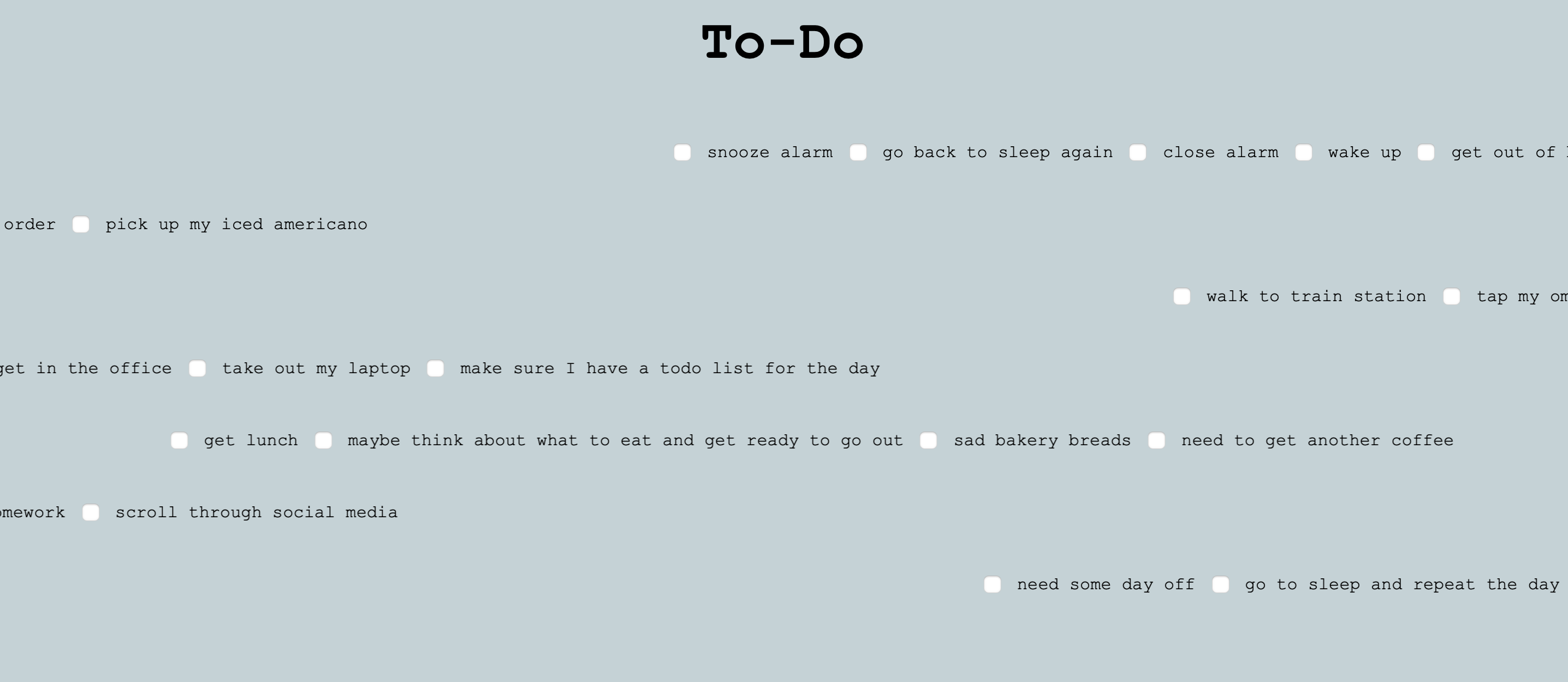
Recreate: To-Do List For this recreation of the to-do list I made it into my own list. I changed up all the to-do list items and made all items class of todo-item in order to animate it. My way of animation for this list is through functions, but the original code was through variables. I still used some codes that are the same in the original code in order for the animation to start, but I have an event listener to start the animation when the page loads.
#4: Ideate -- 9/25/24
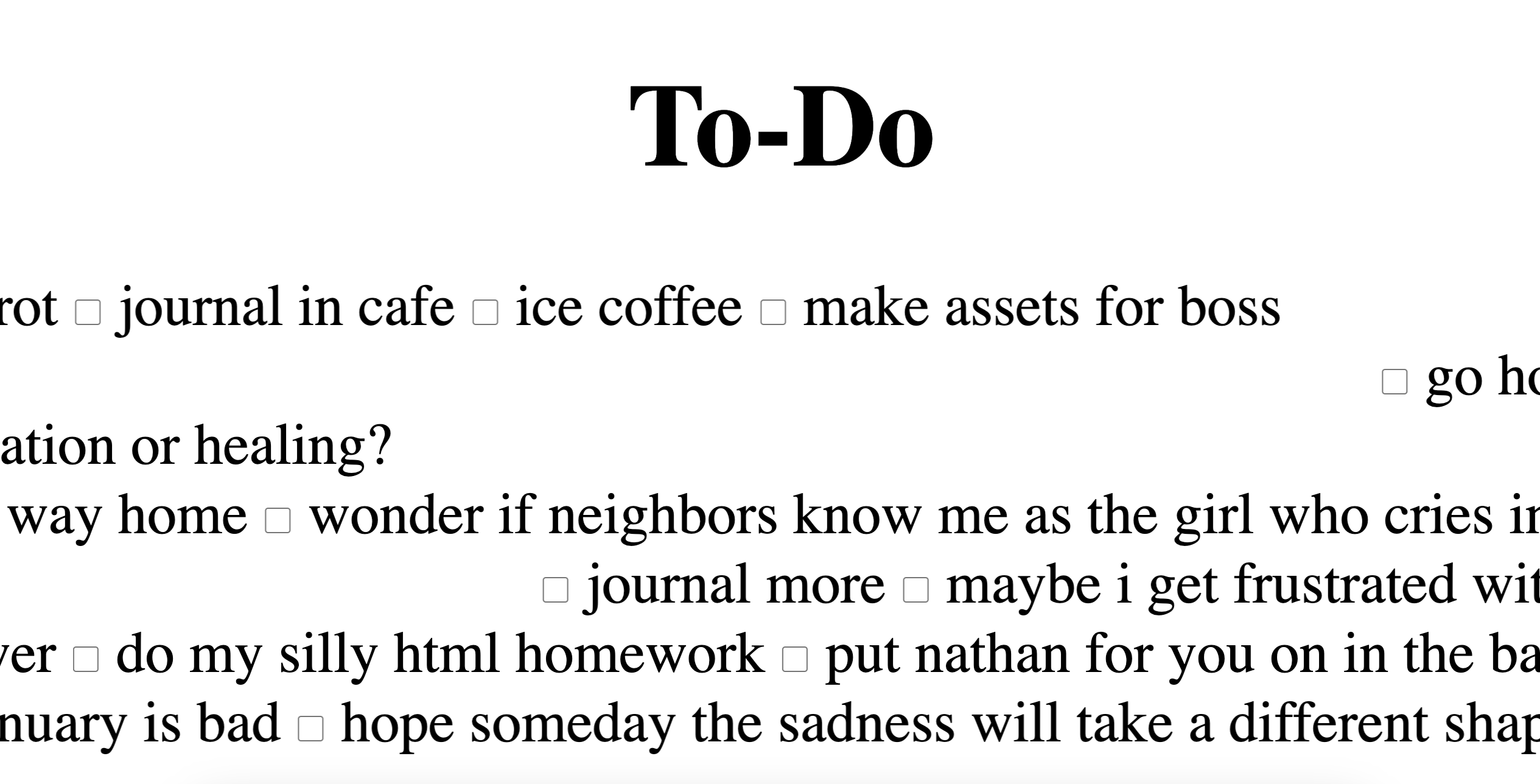
Taper 12: To-Do Between the body tag, there are headers and div tags. The header is a nav bar for navigation and the div tags are put in an id wrapper. There are multiple div tags in the id wrapper with a checkbox input tag in front of it to make it a checklist for the to-do list. Moreover, within the script tag, the first code is a query selector that selects all div elements except for the one that has an id wrapper. Then, it iterates over each element using e to represent the element and i to represent the index. Next, e.style.cssText this code gives the elements a CSS styling to position context, prevent text wrapping, and display it inline. Then it declares a variable w for measuring the width of the current div and stores it in the variable w. After that, it gives the div tag an animation using e.animate, within the animation it transforms the line of the div tag moving from one side of the screen to another. To make the animation not as boring the creator makes a setting for duration using Math.random to set random duration between 20-50 seconds. Other than that the animation repeats indefinitely by having iteration: infinity; then having directions so it doesn’t move only from left to right. The direction of the odd index will reverse alternate using the direction alternate-reverse. Lastly, the animation can start at a random point using delay: Math.random. The last line of code in the script is a query selector which selects all input elements which is the checkbox and gives them a CSS style with height, width, and margin.

#3: Updates -- 9/18/24
- All page are responsive through flexbox.
- Added a responsive and sleek header nav bar for easier site navigation.
- All external links now open in a new tab, ensuring users remain on the main site.
- Implemented a subtle glowing effect on selected text to enhance focus and aesthetics.
- A new blog template has been integrated into the weekly work page for easier content creation and management.
- Blog posts now enlarge smoothly when hovered over, providing a more dynamic and engaging experience.
- When hovering over posts, their background color changes randomly to add an element of interaction.
#2: Static Website -- 9/11/24
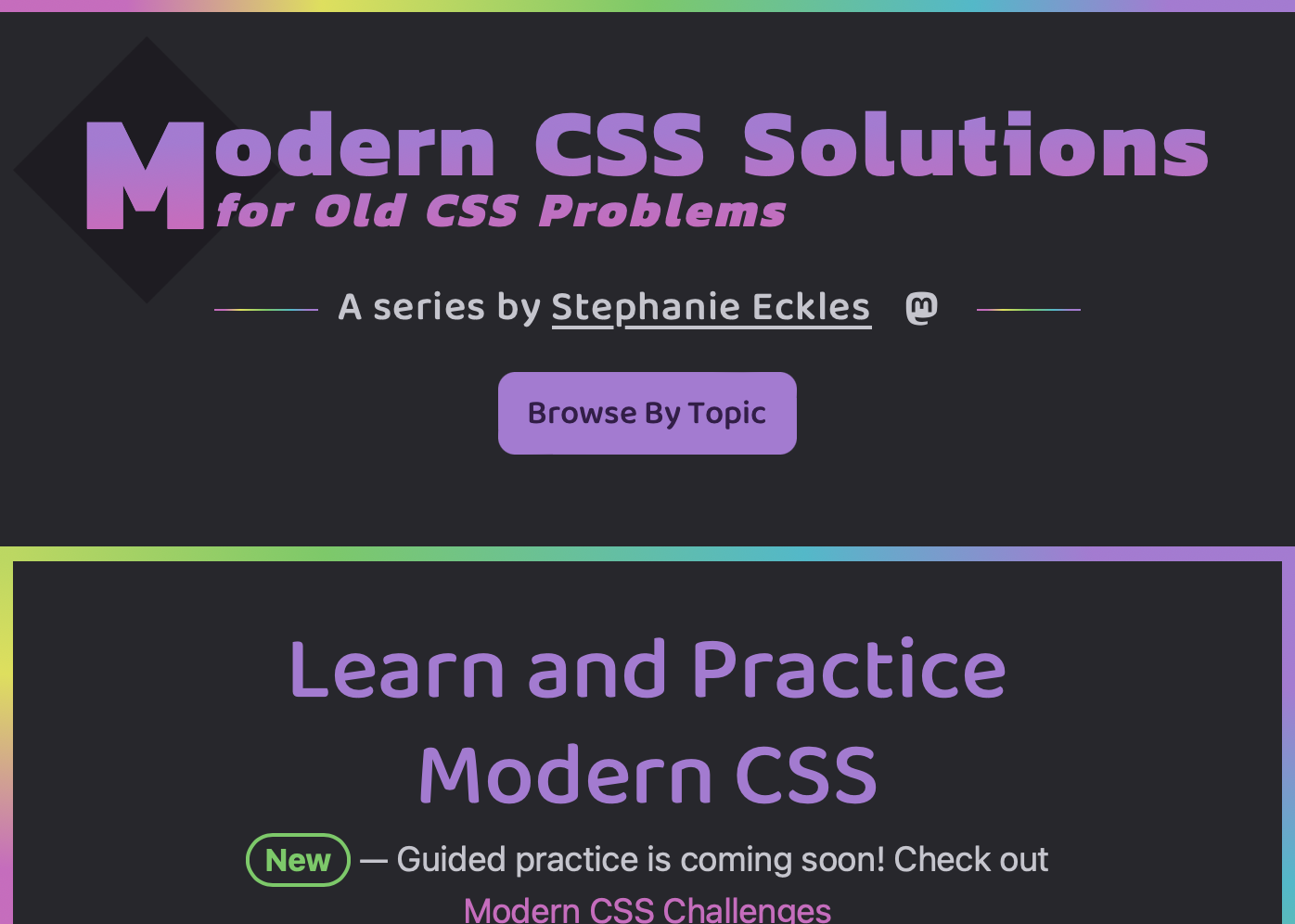
I found this interesting website of "Modern CSS Solution" that gives guides for any CSS problems that people will get into. Looking over the website I see many animations. To break it down, this website is combined with header, main section, and footer. The main section of the website is made up of multiple list and using CSS to make it in a parallagram with animation after mouse hover over it. The list is a link to a new page that gives the details of the problems. Looking at the source code of the website, it uses const to declare a random index generator code and uses "document.querySelector" which selects the first DOM element that matches the CSS selector constructed from the random index. It dynamically change CSS properties of elements based on user interactions or specific conditions.
#1: Interesting Website -- 9/4/24
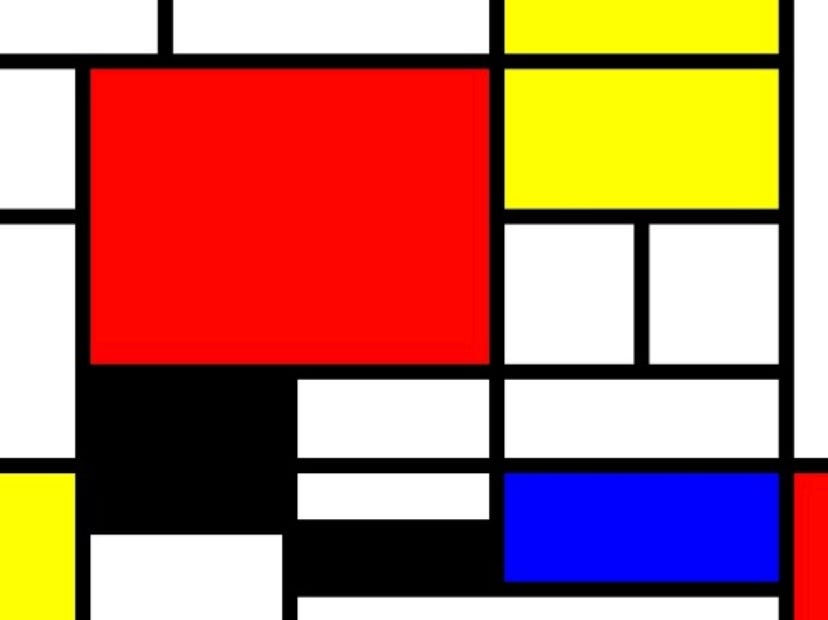
This website Fruitful Presentation created by Min Guhong is very interesting. The author create the website as if it's a slide show. In each of the slides or webpage there's a message that's left for the audience, sometimes there's even links and scrolling in a line required. I really wonder if each webpage is separated or is it together but just uses a button to proceed to the next page. I agree with the author of how each tag and language of coding. Especially about HTML and CSS is the base of web production, the author use the example of pyramid to compare if without HTML and CSS the pyramid will not be able to build up. This website remind me of the Mondrain artwork. They both uses basic color to create the artwork. The website use basic color of yellow and green to present a slideshow like website, and the Mondrain artwork uses the similar concept of using basic color and parallagram to create a geometric artwork.